Applications — MojoAuth as an Identity Provider
MojoAuth already signs your users in. Applications let you go one step further and turn your MojoAuth project into an Identity Provider (IdP) — so your users can sign in to other apps with their MojoAuth identity, exactly like "Sign in with Google" or enterprise SSO.
Two directions, don't confuse them. SSO Connections let MojoAuth consume an external IdP (users log in with Okta, Google, etc.). Applications (this section) make MojoAuth the IdP that other apps trust (users log in to Salesforce, an LMS, your own apps with MojoAuth).
One project = one IdP, many applications
Under a single MojoAuth project (your IdP identity) you register many applications. Each one is one of two protocol types:
| Type | Protocol | Best for | Consumed by |
|---|---|---|---|
| OIDC application | OIDC / OAuth 2.0 | Modern web, SPA & mobile apps; "Login with us"; APIs | Web/mobile developers |
| SAML SSO connection | SAML 2.0 | Enterprise SaaS SSO (Salesforce, Zoom, Workday…) | IT admins at the customer |
Both live under one Applications list in the dashboard (Developers → Applications), each tagged with a protocol badge (OIDC or SAML).
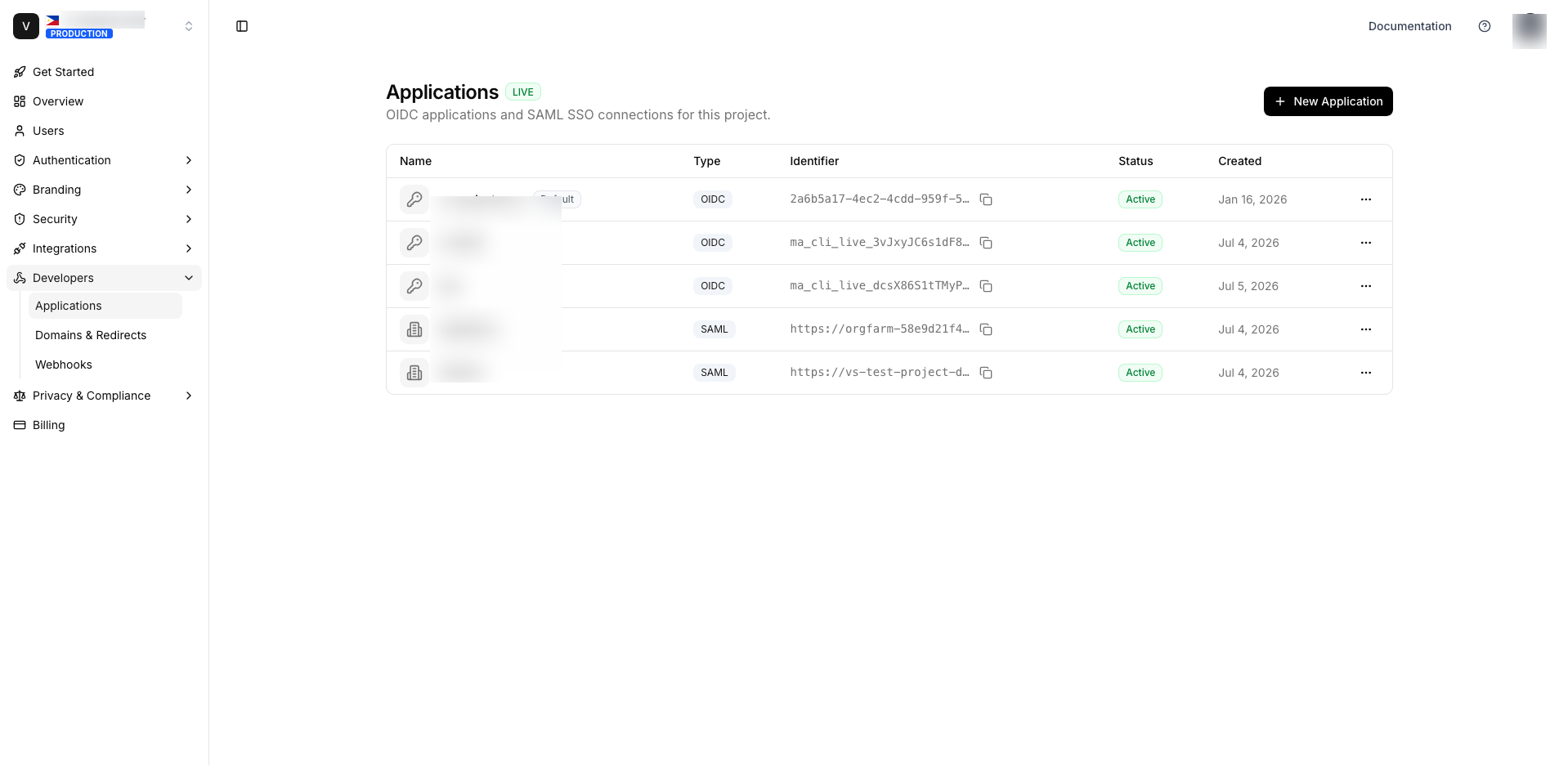
You pick the type when you click New Application — OIDC for your own apps, SAML for enterprise SaaS SSO:
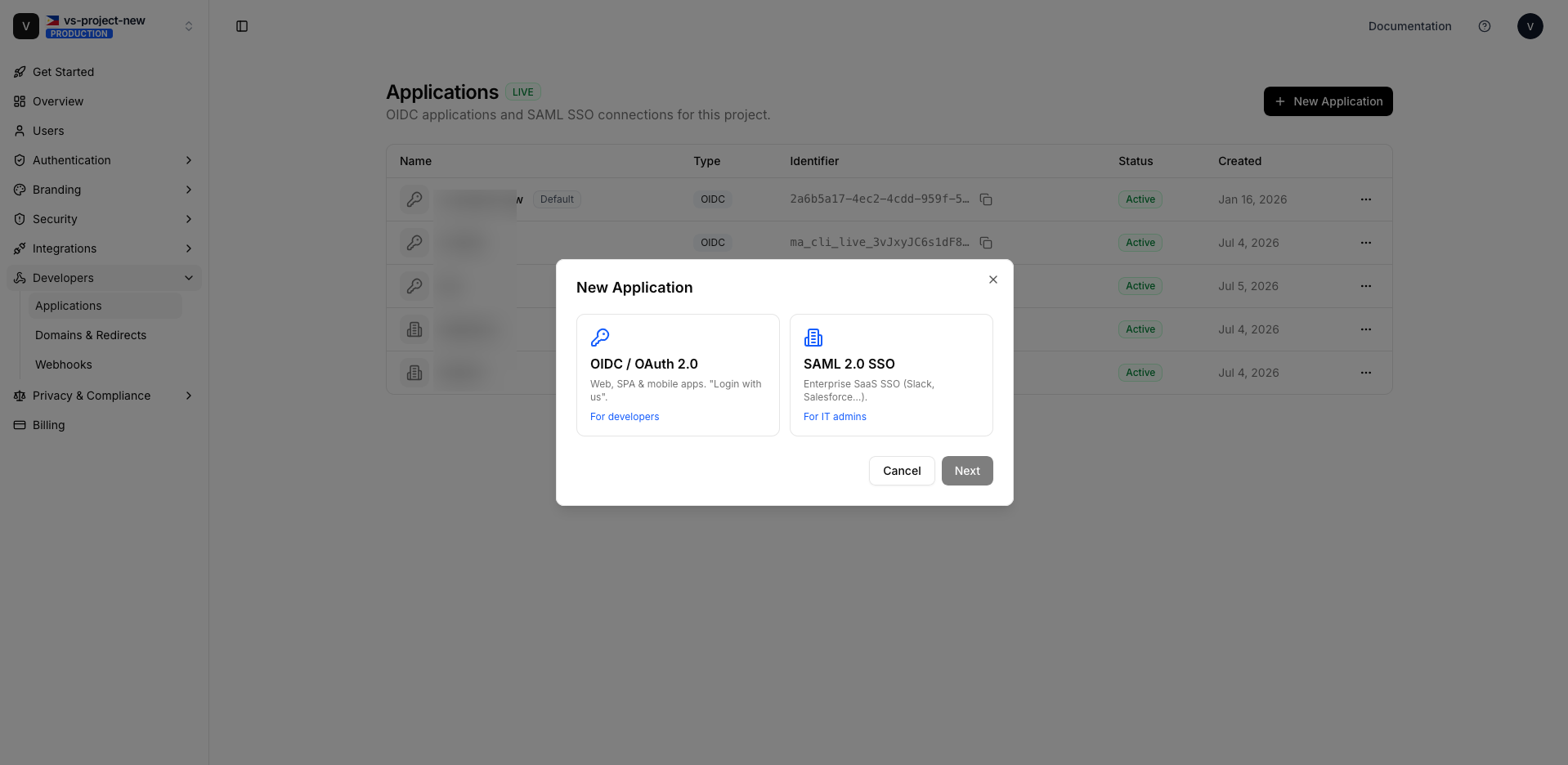
Which type should I use?
- OIDC / OAuth 2.0 — Choose this for your own applications, single-page apps, mobile apps, or any modern app that supports "Sign in with…". It's the simplest to integrate and returns JSON tokens.
- SAML 2.0 — Choose this when the app you're connecting is an enterprise SaaS that speaks SAML (most do: Salesforce, Zoom, Zendesk, Workday, Tableau, ServiceNow…). SAML is the enterprise SSO standard and is usually configured by an IT admin.
If the third-party app supports both, prefer OIDC — it's lighter to set up and maintain.
Test vs Live
Every project has a test and a live environment, each with its own credentials and its own set of applications. Applications you create in test are isolated from live. The dashboard badges every screen with TEST / LIVE — always confirm you're in the right one before creating or editing.
Your project's hosted domain ({BASE})
All IdP URLs are served from your project's branded hosted-login domain. Throughout these docs we
write it as {BASE}:
{BASE} = https://<your-project>.auth.mojoauth.comYou'll find the exact value on any application's detail page in the dashboard (it also appears in the
generated endpoint and metadata URLs). If you've configured a custom domain, {BASE} is that
domain instead.
The end-to-end picture
                       ┌──────────────────────────────┐
   End user  ─────────▶│  Third-party app (SP / client) │
   "Login with        └───────────────┬──────────────┘
    MojoAuth"                          │ OIDC redirect / SAML request
                                       ▼
                       ┌──────────────────────────────┐
                       │   MojoAuth  (your IdP)         │
                       │   {BASE}  — hosted login       │
                       └───────────────┬──────────────┘
                                       │ user authenticates
                                       ▼
                        id_token / access_token  (OIDC)
                        signed SAML assertion     (SAML)
                                       │
                                       ▼
                          user is signed in to the app
Ready to build? Start with OIDC Applications or SAML SSO Connections.